

Quick Answer
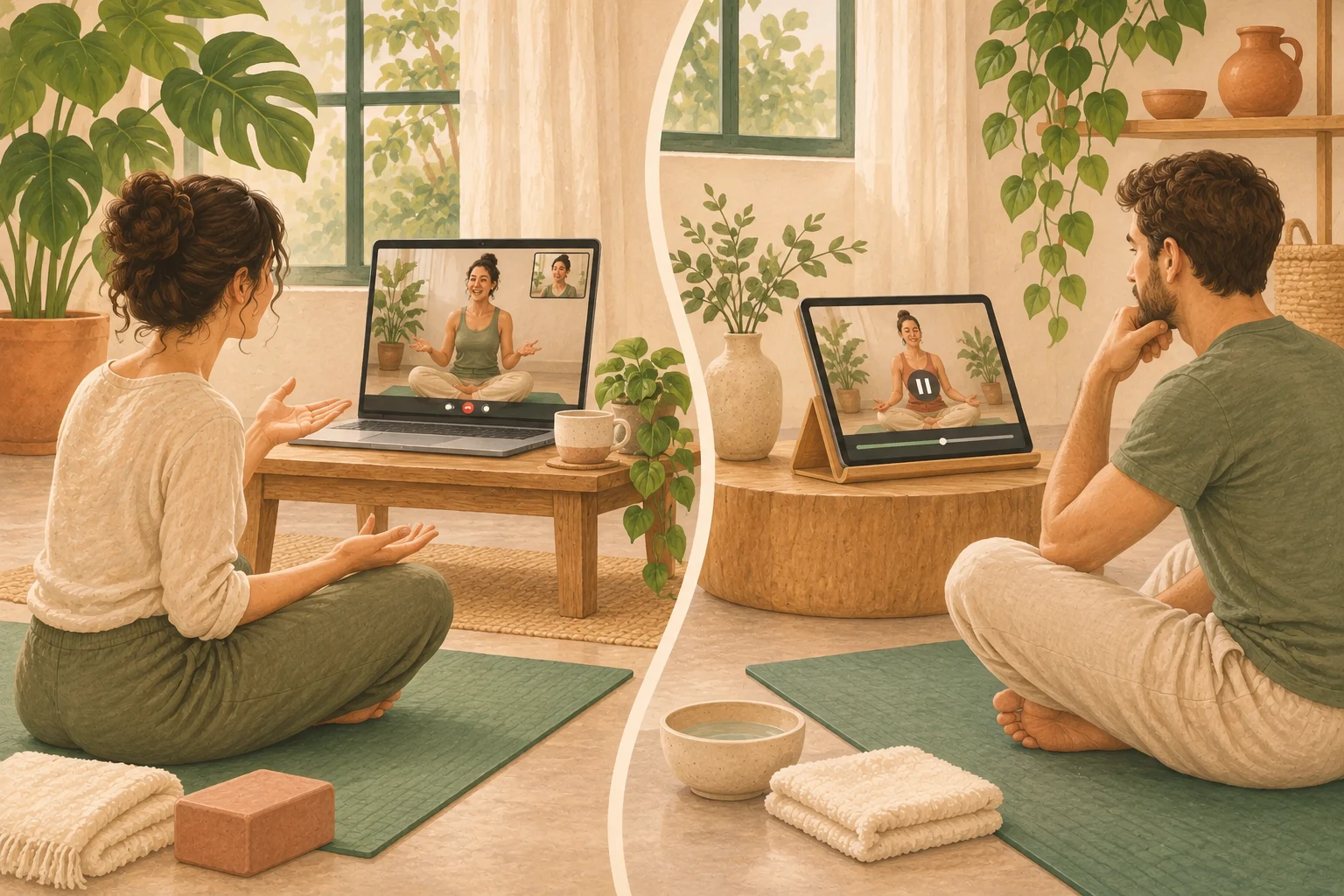
Comparing live online vs recorded yoga classes means comparing interaction with control over playback. A live lesson may offer questions and teacher feedback, but a livestream may not. A recording lets you revisit explanations when access and player controls allow. Choose by the actual teaching arrangement, accessibility, schedule and privacy terms, not the label alone.
Key Takeaways
- Interaction: Check whether live means a two-way lesson or a one-way broadcast.
- Replay: Confirm playback controls, access duration and any permitted downloads.
- Feedback: Ask who can observe you and when questions receive an answer.
- Access: Test the actual audio, captions, descriptions and controls you need.
- Privacy: Find out what is recorded, who receives it and whether camera-off participation is possible.
- Fit: Choose a workable arrangement for your next learning task, not a format for life.
A class can reach your screen in several ways. You might join a teacher and other students at an agreed time, watch a broadcast without being visible, or open a lesson filmed months earlier. All three are online yoga, but they ask different things of you as a learner.
The useful question is not whether a screen can replace every feature of a studio. It is what you need from this particular lesson. Perhaps you want someone to clarify an unfamiliar instruction. Perhaps you already know the practice and want to revisit a familiar explanation. Perhaps the only workable time changes each week.
Start there, then examine what the provider actually supplies. A large video library cannot answer a question by itself. A live appointment cannot offer personal observation merely because your camera is on. Understanding those differences makes the choice more concrete.
Live online vs recorded yoga classes: what changes?
Live online teaching happens at an agreed time. Recorded teaching is material you watch after it was created. Those definitions describe timing, not quality, attention or suitability.
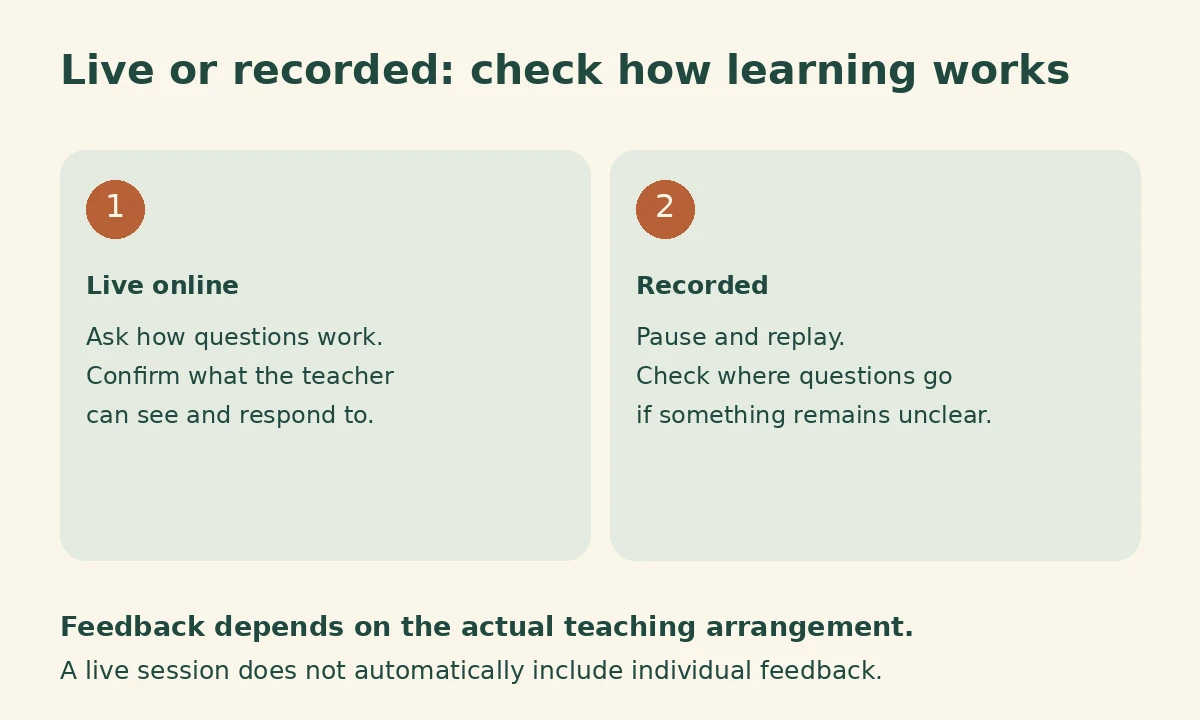
Within live teaching, distinguish an interactive class from a broadcast. In an interactive lesson, the arrangement may allow the teacher to hear questions, view participants and respond. In a broadcast, the teacher may be speaking to viewers without seeing them. A chat box can add a communication channel, but it does not establish that someone reads every message during practice.
Recordings also differ. A carefully structured lesson may include an introduction, demonstrations, alternatives and a clear sequence. A recording of a live class may include pauses or references to questions you cannot hear. Either could be useful; inspect the material rather than assuming that one production style tells the whole story.
| Feature to compare | Live online lesson | Recorded lesson |
|---|---|---|
| Timing | A scheduled meeting or broadcast | Viewed within the available access period |
| Questions | May be possible during or after the session | Requires a separate support channel, if offered |
| Observation | Depends on the format, camera view and teacher’s arrangement | The recording itself cannot observe you |
| Pace | Usually follows the shared session | Playback may allow pausing and revisiting |
| Participation | May involve other people and visible attendance | Can be watched without a live class audience |
| Replay | Only if a recording is supplied | Depends on the player and access terms |
A package can combine these features. It might include a scheduled class, a replay and a later discussion. Treat each as a separate element: attendance, access to material and access to a teacher. The word “online” does not tell you which are included.
Group size is another separate question. A live online class might be individual or shared, while a recording can be watched alone or with others. If attention within a group is your main concern, Inteyoga’s guide to private and group yoga classes examines that distinction more closely.
Decide what needs a response and what needs a replay
Before comparing timetables, write one sentence about the thing you want to understand. Make it smaller than “improve my yoga.” A useful learning question might be, “I want to understand what the teacher means by this instruction,” or “I want to revisit the setup explanation without losing my place.”
These are different needs. A response changes according to your question. A replay repeats what was already said. Both can help you work with teaching material, but one should not be advertised or understood as the other.
If you missed a word, replay may solve the problem. If you heard every word but do not understand how the instruction applies to your situation, repeated playback may leave the uncertainty unchanged. You need a way to ask, or a more suitable explanation, rather than another viewing of the same passage.
The same distinction applies during a live lesson. You may hear your question answered immediately, or you may discover that questions are reserved for the end. If you cannot comfortably continue without an answer, do not treat the promise of later discussion as an instruction to guess now.
Useful questions for the provider include:
- Can students ask during the lesson, or only before and after it?
- Does the teacher respond to individual questions or address themes collectively?
- Is any support included with recordings, and who provides it?
- If a question needs a longer conversation, what is the next step?
Avoid assuming that an unanswered question means you chose the wrong format entirely. It may concern one lesson, one explanation or an unclear support arrangement. The immediate task is to identify the missing information.
A short, specific question is also easier to discuss than a request to evaluate everything you do. You could name the lesson and the instruction, explain what you understood, and ask which part needs clarification. Inteyoga’s guide to understanding yoga cues can help you separate unfamiliar language from a request for individual guidance.
Check what the teacher can actually observe
A live connection creates the possibility of interaction. It does not establish continuous individual observation. The teacher may be demonstrating, reading questions, watching several participants or teaching a broadcast with no participant video at all.
Ask directly: “Will you be observing participants, and how will feedback work?” That question is more informative than asking whether the class uses video. It also gives the teacher a chance to explain the limits of the arrangement before you pay or join.
If observation is part of the lesson, discuss the view the teacher needs. A camera showing only your face communicates something different from a wider view. Lighting, furniture, device position and the room layout can affect what is visible. You do not need to improvise an elaborate filming setup; you need to know whether your available setup suits the agreed activity.
Check the return path as well. Can you hear the teacher from your practice space? Can you see a demonstration without repeatedly handling the device? If you must move the screen, pause your participation rather than trying to adjust it while following an unfamiliar instruction.
Silence from the teacher is not confirmation that your movement has been checked. They may not have seen that moment, may be attending to someone else, or may not be offering individual feedback in that class. A direct question about what was observed prevents a mistaken assumption.
For recordings, the boundary is simpler: the video cannot see or respond to you. Some programmes offer separate feedback on submitted questions or clips, but that is an additional service with its own process and privacy implications. Do not assume it comes with a video purchase.
Yoga Alliance’s Scope of Practice allows its members to teach online and requires teaching within their education, training and competence. That describes professional scope, not a guarantee that any particular online class provides individual supervision or is suitable for every learner.
Use pause and replay for understanding, not pressure
Playback control is a practical difference worth testing. Can you pause easily, return to an earlier point and resume without losing your place? Are chapters or clear lesson titles available? Can you find the explanation again after closing the page?
Do not assume every player behaves in the same way. A preview, if available, can show whether the controls work on your actual device. Test this before committing to a large library that you may find difficult to navigate.
Pausing can create space to listen rather than follow immediately. You might watch an explanation first, stop the video, and then decide whether you understand enough to continue. A recording need not be completed in one uninterrupted pass for you to use it thoughtfully.
Rewinding has a narrower purpose: identify what you missed. If a passage remains unclear after you revisit it, record the timestamp and the question. That gives you something specific to bring to an available teacher rather than turning replay into an endless search for certainty.
Be careful about confusing playback speed with practice instructions. Slowing speech can help you hear a sentence, but it also changes the apparent timing of a demonstration. Speeding a video can shorten the viewing time without making the physical practice appropriate at that speed. Use controls to inspect teaching, not to invent a new practice prescription.
Similarly, a progress bar measures how much video has played, not how well you understood it. You can stop before the end. You can revisit only a relevant explanation. You can decide that the material is not suitable without completing it to earn a digital mark.
A simple viewing method is to separate three activities: previewing the lesson, participating within your understanding and reviewing a question afterwards. They do not have to happen in one sitting. This is a way of organising your attention, not a requirement to watch every class three times.
Make accessibility a concrete part of the choice
“Online” can remove the need to travel while leaving other barriers unresolved. The relevant question is whether this particular lesson is usable for you, in the room and on the device where you will attend.
The W3C Web Accessibility Initiative’s media guidance distinguishes captions, transcripts, descriptions of visual information and accessible player controls. These serve different purposes. Captions provide text for audio information; a transcript provides text outside the changing video; descriptions convey visual content that speech alone may not explain.
Apply those distinctions to the lesson you are considering. If the teacher says “move like this” while demonstrating silently, a transcript of the words alone may not explain the movement. If captions cover the part of the screen you need to see, their presence alone does not settle whether the lesson works for you.
| What you need to check | Useful test or question | Why the answer matters |
|---|---|---|
| Spoken instructions | Can I hear the sample clearly on my device? | A clear studio recording may sound different through your setup |
| Captions | Are they available in the lesson and language I need? | A caption option on one sample may not cover the whole series |
| Visual explanations | Are demonstrations described in words? | Important information may otherwise remain visual only |
| Player operation | Can I pause and navigate using my usual controls? | Available content is not useful if its controls are inaccessible |
| Live questions | Can I use a communication method that works for me? | A spoken-only question period may not meet your needs |
| Supporting material | Are notes or transcripts supplied in a usable format? | They may provide another way to revisit the explanation |
You can ask for a short sample that uses the same delivery setup as the paid lesson. Explain the feature you need rather than asking whether a service is “fully accessible,” a phrase that can mean different things to different people.
Language deserves its own check. A teacher’s spoken language, captions and written notes may not match. If you rely on translated material, inspect whether it helps you understand the actual instruction rather than assuming that a language option resolves every ambiguity.
Accessibility also includes your ability to manage the screen during participation. A small display across the room may be readable while seated and difficult to read from another position. Consider how you will follow essential instructions without continually looking for tiny controls.
These are questions about usable teaching, not a request to disclose personal details to a public group. Start with the practical arrangement you need. If the provider cannot establish whether it is available, resolve that uncertainty before depending on it.
Compare the real schedule and access window
Live teaching creates an appointment. That may suit someone who wants a defined time and a shared beginning. It may be awkward for someone whose work or household responsibilities change without notice. Neither preference measures commitment to yoga.
Check the date, time zone and duration as the provider states them. Do not rely on a familiar-looking time in an advertisement if you and the teacher are in different locations. Where clocks change seasonally, confirm the time for the actual session rather than assuming a conversion stays constant throughout a series.
Ask what happens if you arrive late or the connection drops. Is there a way to rejoin? Does the teacher admit late participants? Is a replay provided, and does receiving it replace the opportunity to ask questions? Those answers determine what a missed session actually means.
Recorded material removes the shared appointment, but access may still have a deadline. A rental, a course login and a subscription can provide different viewing rights. Ask how long you can watch, whether cancellation changes access, and whether downloads are permitted. Avoid reading “available online” as “mine indefinitely.”
A library also requires selection. If choosing among many lessons consumes the time you intended to use, look for a clear starting point or a short recommended sequence. This is a question about navigation and course structure, not proof that a smaller library is better.
For either format, compare the arrangement with a real week. Identify a plausible time, the device you will use and the place where you can listen. An impressive timetable is not useful if none of its sessions are available when you can attend.
If live attendance is occasional, a combination may be practical: recordings for revisiting familiar material, with a separate agreed opportunity for questions. Confirm that both parts exist. Do not build a learning plan around support that the provider has not offered.
Understand camera, recording and privacy choices
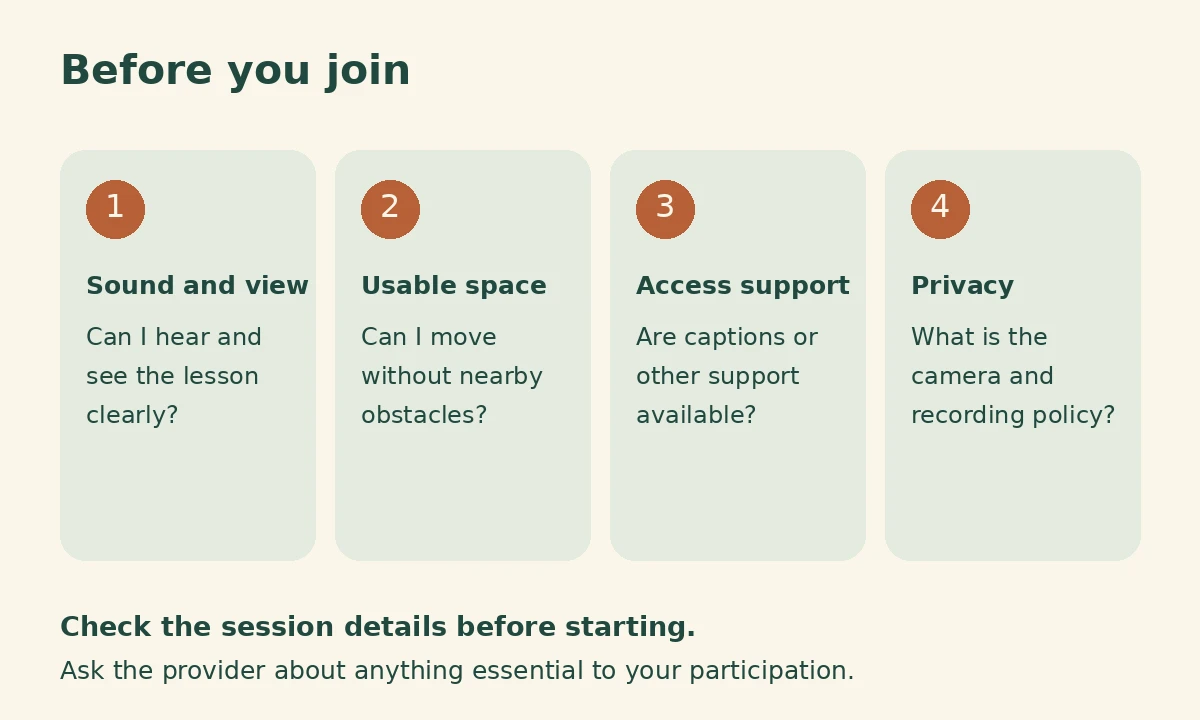
Joining a live lesson, turning on a camera and appearing in a recording are different decisions. Before joining, ask which of these the class expects. A teacher may record only their own presentation, or the recording may include participants, questions or names. Do not guess from the word “replay.”
You do not need a technical audit to ask useful questions. Find out what is captured, who can access it, how long it is available and whether it will be used beyond the class. Ask whether you can participate without appearing in the recording and what that changes about feedback.
| Before you join | What to clarify |
|---|---|
| Camera use | Whether it is required, optional or unnecessary for the agreed lesson |
| Recording | Whether participant images, voices, names or questions are included |
| Audience | Whether access is limited to the class or shared more widely |
| Replay period | How long the recording remains available |
| Questions | Whether there is a private channel for matters you do not want in the group |
| Submitted clips | Who reviews them and what happens to them afterwards |
Camera-off participation can protect what others see of your room, but it changes visual observation. If individual feedback is the reason you are attending, discuss an arrangement that addresses both priorities rather than assuming you can have identical feedback with no view.
Consider the background visible from your device and whether other people may enter it. Move personal papers out of view, choose a display name you are comfortable using within the provider’s rules, and tell household members when a live camera will be on. These are practical preparations, not promises of complete privacy.
Treat other participants’ information with the same care. Do not make your own recording, share screenshots or forward class access links without permission. A replay supplied for your learning is not automatically permission to republish the teacher or the students.
If a teacher requests a clip for feedback, clarify the purpose and the minimum useful content before uploading it. You can ask whether a written question would suffice. Sensitive personal information belongs in an appropriate private conversation, not in a public comment thread simply because it is convenient.
Look beyond the screen at the teaching itself
Good production can make a lesson easier to see and hear. It cannot, by itself, tell you who designed the teaching, what experience is assumed or how questions outside the lesson’s scope will be handled.
Read the description for the intended learner, topic and prerequisites. Look for a named teacher and an explanation of their relevant background. The NCCIH guidance on yoga recommends asking about an instructor’s training and experience. A follower count, camera quality or large catalogue is not an answer to that question.
For an example of where a school presents its teaching background, Inteyoga’s teacher profile introduces Dr. Ashutosh and his qualifications. A profile helps you investigate who teaches; it does not establish that a particular online lesson, recording library or personal-feedback service is available. Check the actual offering separately.
A sample can reveal whether you understand the explanations and whether the teacher distinguishes a demonstration from an instruction for everyone. Notice how the lesson begins: does it explain what will happen, what materials are needed and who it is intended for? Those details are more useful than a promise that the format suits absolutely everybody.
Neither a live session nor a recording should be treated as individual medical care. For a health concern that affects participation, seek appropriate healthcare advice and discuss relevant needs with the instructor. NCCIH advises against using yoga to postpone medical assessment. This guide compares learning arrangements; it does not determine which practice is medically suitable for you.
Try one learning task before choosing a large package
A focused trial, where available, can answer more than a long list of general advantages. Choose a small task, such as understanding one explanation or checking whether you can follow the audio without constantly moving the screen.
The following examples are hypothetical, not reports of students or promised outcomes.
One learner can attend at a fixed time but repeatedly has questions about instructions. An interactive live lesson may be worth investigating. The deciding detail is not that it is live; it is whether questions and observation are genuinely part of the session.
Another learner understands a familiar lesson but wants to revisit it around changing work hours. A recording may fit that purpose if playback, access duration and the available explanations meet their needs. A large library is unnecessary if one well-matched lesson serves the task.
A third learner wants captions, privacy from a class audience and occasional clarification. Neither headline format settles the choice. They need to check the recording’s accessible features and whether a separate question channel exists, or ask a live provider what camera-off participation permits.
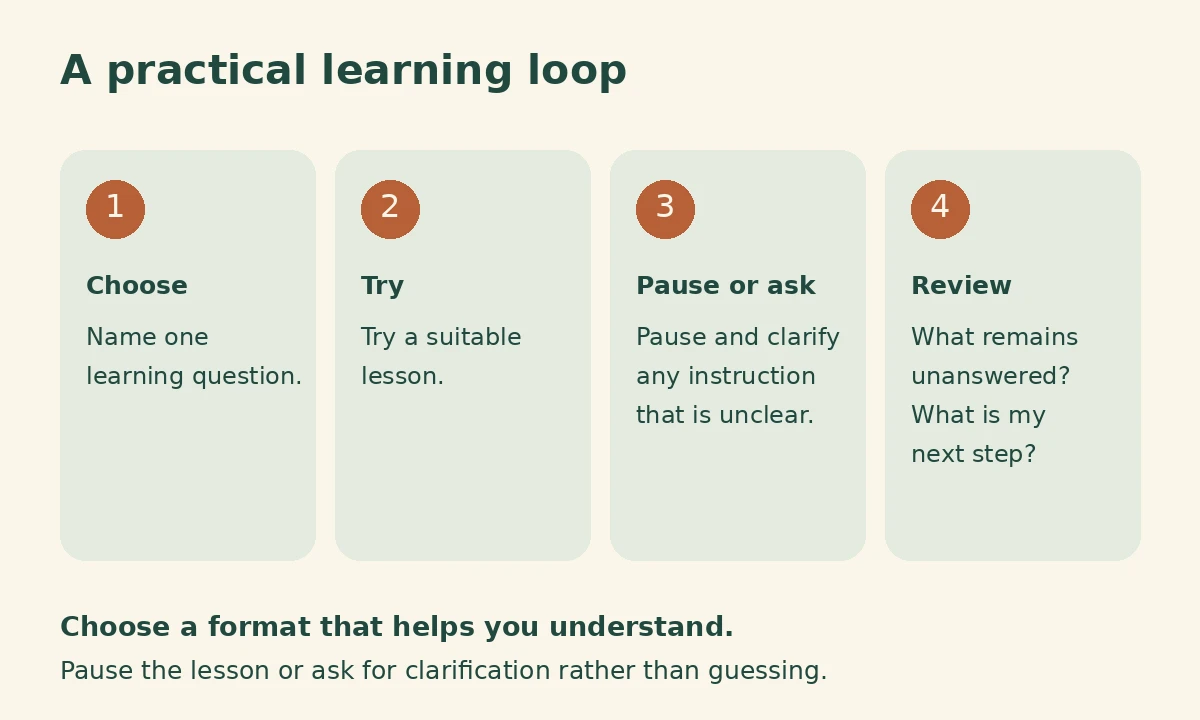
After trying the arrangement, record three observations: what you understood, what remained unanswered and what made participation easy or difficult. Be specific. “The sound was unclear when I moved away from the device” points to a practical issue; “online yoga does not work” closes the question too broadly.
Then make one decision: continue, clarify an unresolved point, or choose another arrangement. You do not need to commit to live or recorded teaching permanently. The useful format is the one whose actual features match the learning task in front of you.
Sources
- W3C Web Accessibility Initiative: Making Audio and Video Media Accessible. Distinctions between captions, transcripts, descriptions and accessible media controls.
- Yoga Alliance: Scope of Practice. Member responsibilities and teaching within competence, including online teaching.
- NCCIH: Yoga, Effectiveness and Safety. Instructor background and appropriate healthcare cautions.
Frequently asked questions (FAQ)
What is the difference between live online and recorded yoga classes?
Live online teaching happens at a scheduled time; recorded teaching is viewed after it was created. Live teaching may be interactive or a one-way broadcast. Recordings may allow pause and replay, but the recording itself cannot observe you or answer a new question.
Are live online yoga classes always interactive?
No. A class may be a broadcast, a shared lesson with limited questions, or a more interactive appointment. Ask whether the teacher sees participants, when questions are answered and what feedback is included. A camera option alone does not establish individual observation.
Can a beginner choose recorded yoga lessons?
Look at the lesson’s intended audience, assumed experience and explanations rather than choosing by format alone. If you do not understand an instruction, pause and seek clarification instead of guessing. Consider whether access to a qualified teacher is needed for the questions you have.
Must I keep my camera on during live online yoga?
That depends on the provider’s arrangement. Ask before booking whether a camera is required and whether the session is recorded. If you want visual feedback, discuss what the teacher needs to see and the limits of camera-off participation.
Can I keep recordings after cancelling a subscription?
Do not assume so. Check the provider’s access and cancellation terms, including any replay expiry or permitted downloads. Access to a recording, permission to download it and permission to share it are separate matters. Confirm the rights attached to the particular purchase.
Can I combine live online and recorded yoga classes?
Yes, where the available arrangements suit your needs. You might revisit material through recordings and use an agreed live session for questions. Check that the teacher offers that support and understands which material you are using; a replay does not automatically include follow-up teaching.